
Exterior reveal
Plan lines resolve into a finished exterior direction with landscape and arrival mood.
Drop in a floor plan, sketch, or spec sheet. BuilderVision turns the flat plan into a construction reveal: foundation, rising walls, roof, site details, then the finished buyer-ready walkthrough.
Upload a plan package to start the walkthrough flow. For this sample site, files stay in your browser while the preview is personalized; a production package connects plan extraction, visual generation, and video rendering behind the same experience.
PDF, image, DWG/DXF placeholder. Drag files here or tap to choose.
Ready for plan upload. The preview should read as: flat floor plan, foundation, walls rising, roof dropping, finished home.
Plan lines resolve into a finished exterior direction with landscape and arrival mood.
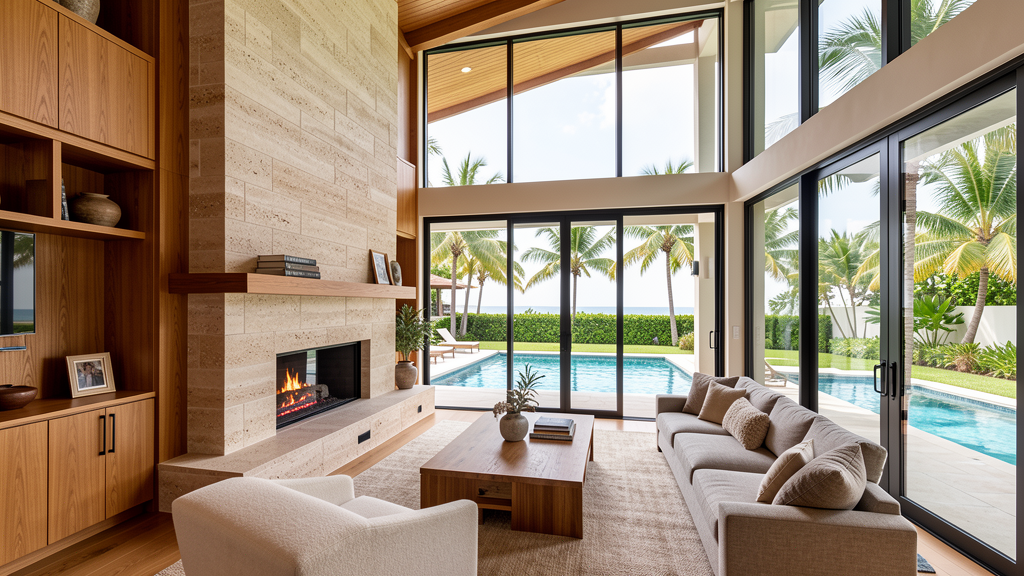
Key rooms become buyer-facing lifestyle scenes instead of abstract plan labels.
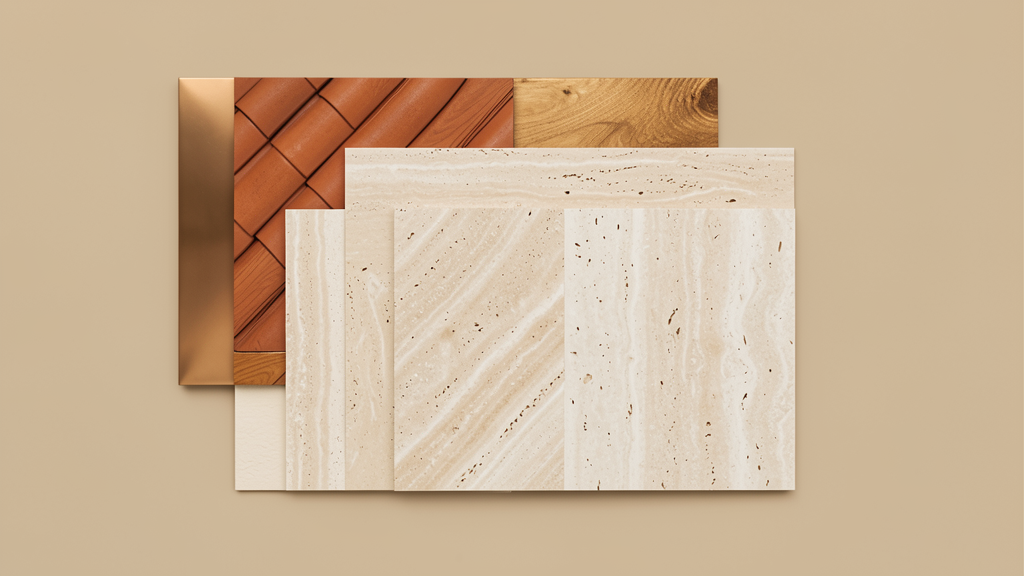
Finish direction becomes a visual language clients can approve or revise.
The prospect should interact with the offer directly: upload plans, watch the generation sequence, and understand how a buyer-facing walkthrough would come back from their own project package.